Three ways to create a finding
A finding is a clip of a session with your note on it, ready to share with your team. In the player of a finished session there are three ways to create one.
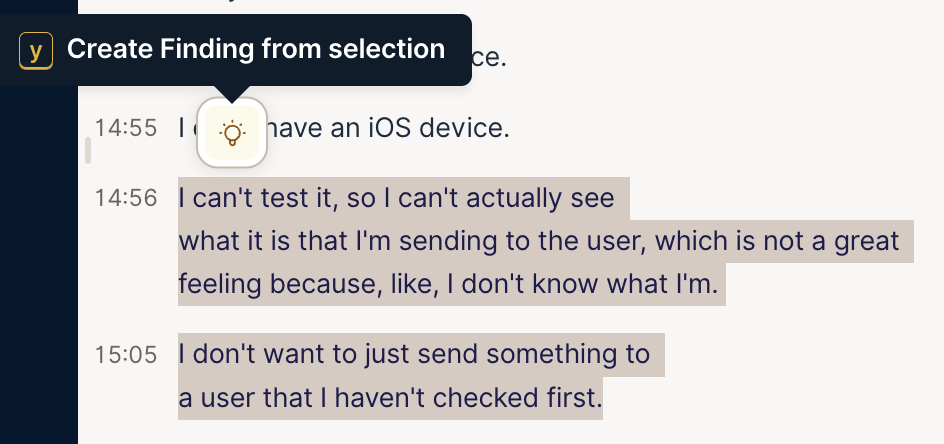
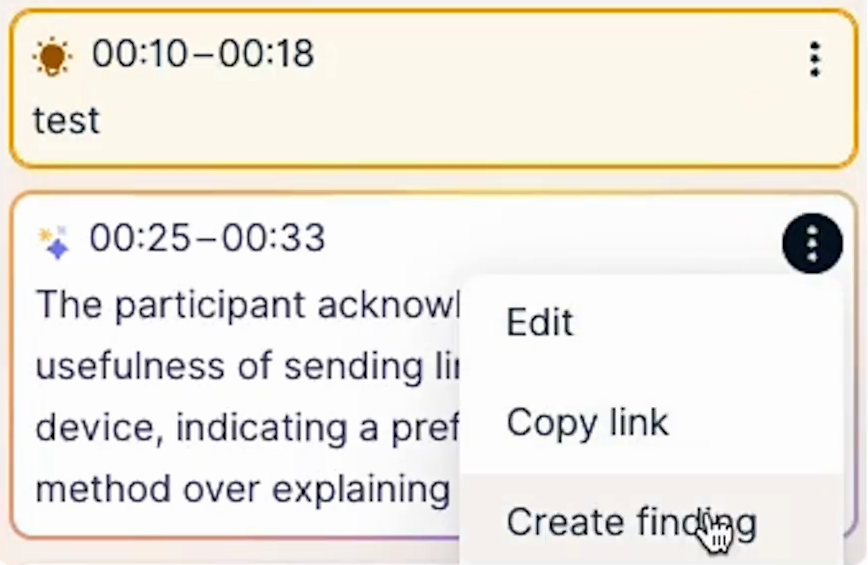
From the participant’s own words: in the Transcription tab, open the menu next to a line and click Create note. Then click the lightbulb on the note to turn it into a finding. From Eureka: open the menu on a Eureka moment and click Create finding. On the timeline: go to where the moment starts, click the lightbulb (Start new Finding, or press T), go to where it ends, click it again, name the finding and save.
Your findings appear on the session’s timeline and in the project’s Findings tab. There you can group them into themes, link them to goals from your stakeholder interviews, download them, share them with a public link or put several into a reel.
Share this post: