
Session thumbnails
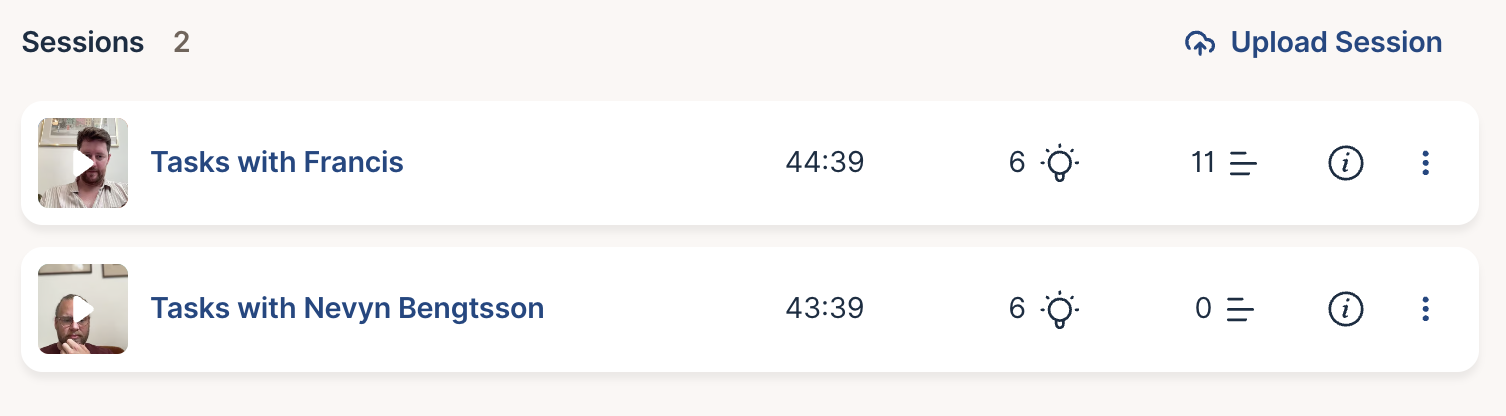
Session lists now show a frame from each recording, so you can tell sessions apart at a glance. The frame comes from the participant’s camera, or from the screen when there is no camera. You’ll see them in a round’s session list, on a participant’s sessions and on the Interviews page. New sessions get a thumbnail once they finish processing. Older sessions get one the first time someone plays them, and keep the icon until then.
Share this post:


