
Acknowledge observer questions
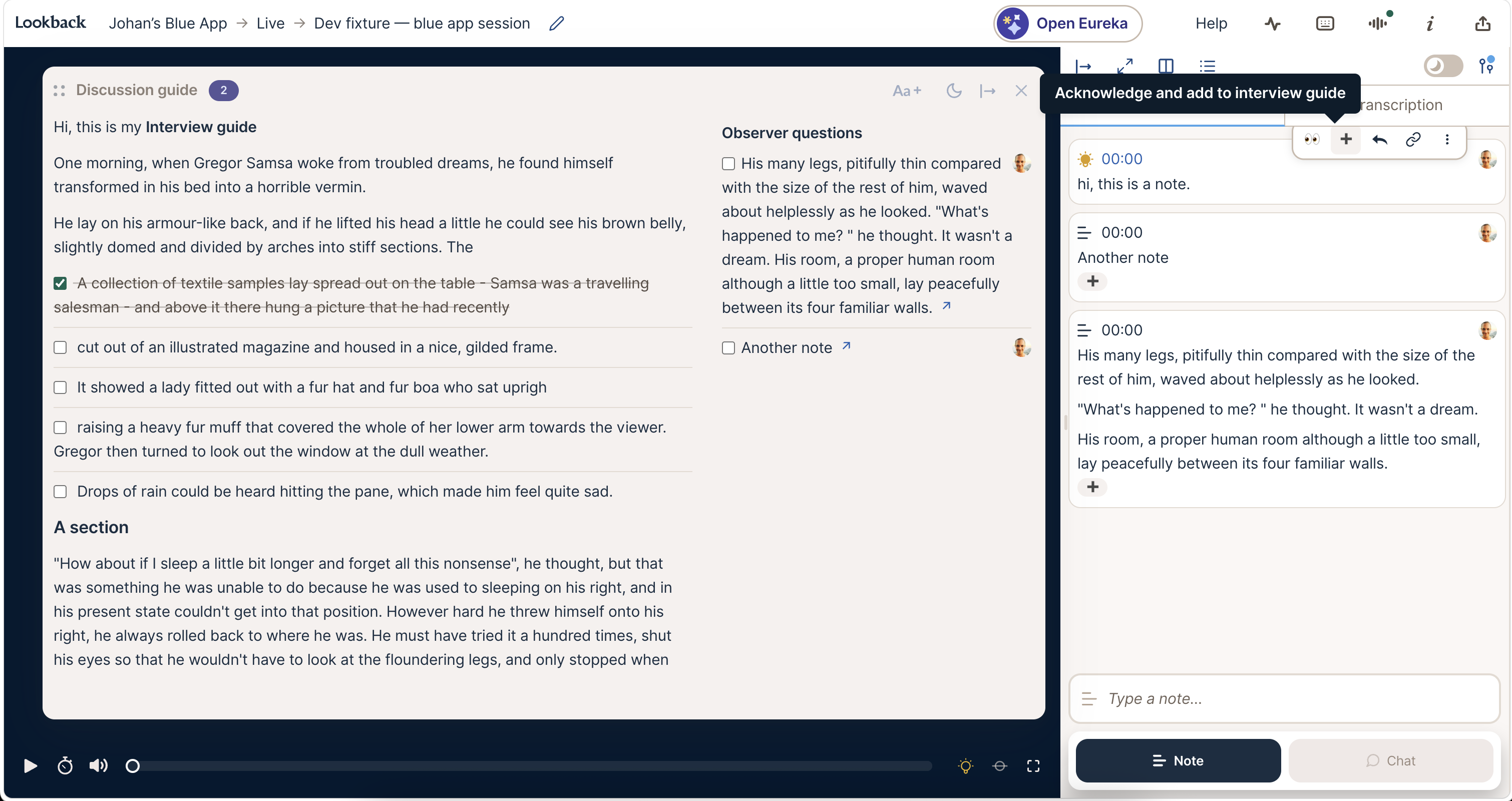
Moderators can now let observers know their question was seen, without breaking off the conversation with the participant. During a live session, hover over an observer’s chat message or note in the feed. Click 👀 to acknowledge it, or ➕ to acknowledge it and add it to your discussion guide as a to-do.
Observers see the emoji on their message straight away. Questions you add appear under Observer questions in the Discussion guide panel (press G to open it), each with a checkbox to tick off once you’ve asked it and a link back to the message. Only the moderator sees these buttons, and only while the session is live. It’s one more of the moderator tools your participant never sees.
Share this post:


