
View counts on public links
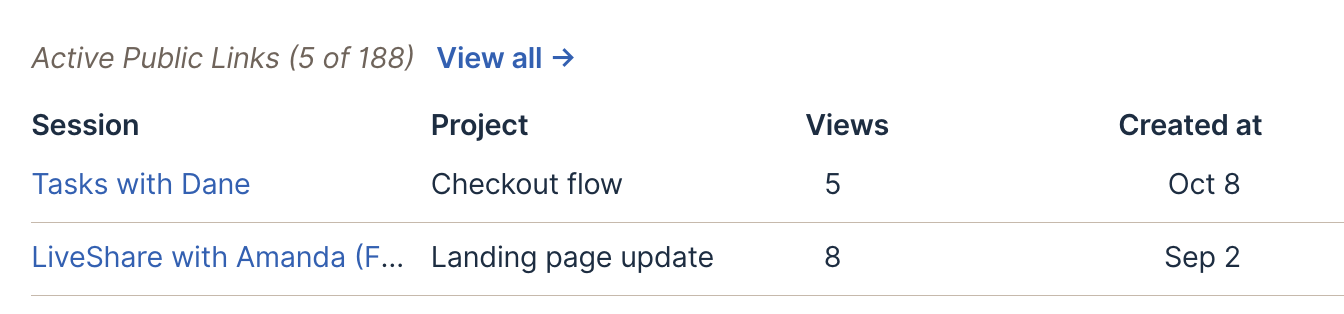
You can now see whether the clips you share get watched. Every public link to a finding, reel or session counts its views. A view counts once per browser, after 30 seconds of playback or half the clip, whichever comes first. Skipping to the end doesn’t count.
The count shows in three places: in a finding’s info tooltip in the dashboard, under the link in the player’s Share panel, and in the Views column of Active Public Links in Team settings. Links made before view counting started show a dash, because their earlier views weren’t recorded. Removing a link discards its count. Read more about public links for findings.
Share this post:


