Take over as moderator
Sometimes a colleague watching a live session has questions of their own, such as a developer who wants to ask about a specific screen. They don’t have to pass the questions through you. They can take over as moderator and ask the participant directly.
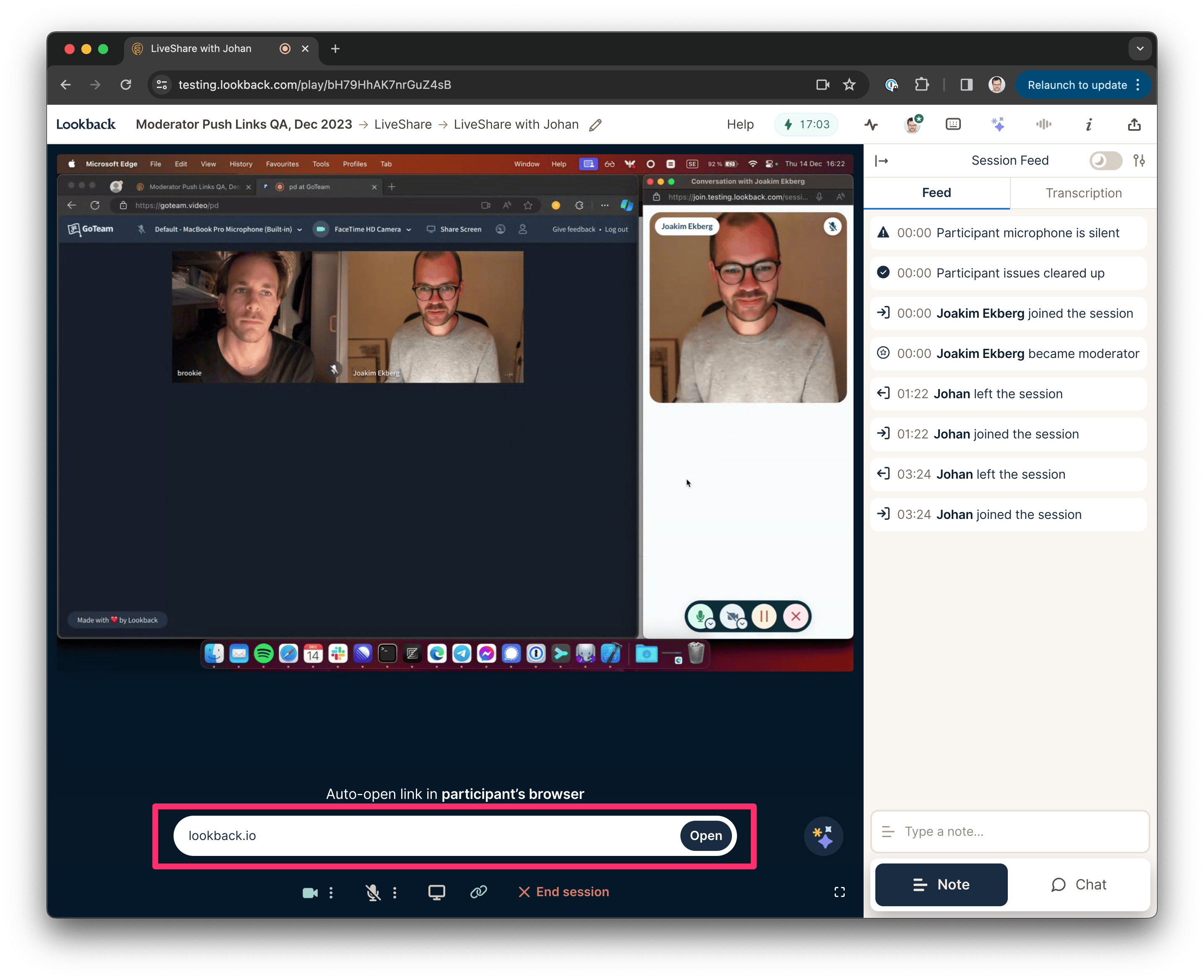
To take over, click the avatars at the top right of the live session and click Start moderating. Pick a camera and microphone, then click Take over as moderator. The session carries on with you as its moderator. If the moderator drops out of a session, the button reads Take over as moderator, so someone else on the team can continue.
Team members who collaborate on the project can take over. Guests and people with the Observer role can’t. Moderating works in Google Chrome and Microsoft Edge. Everyone else keeps watching from the invisible observer room.
Share this post: