
System audio as a round setting
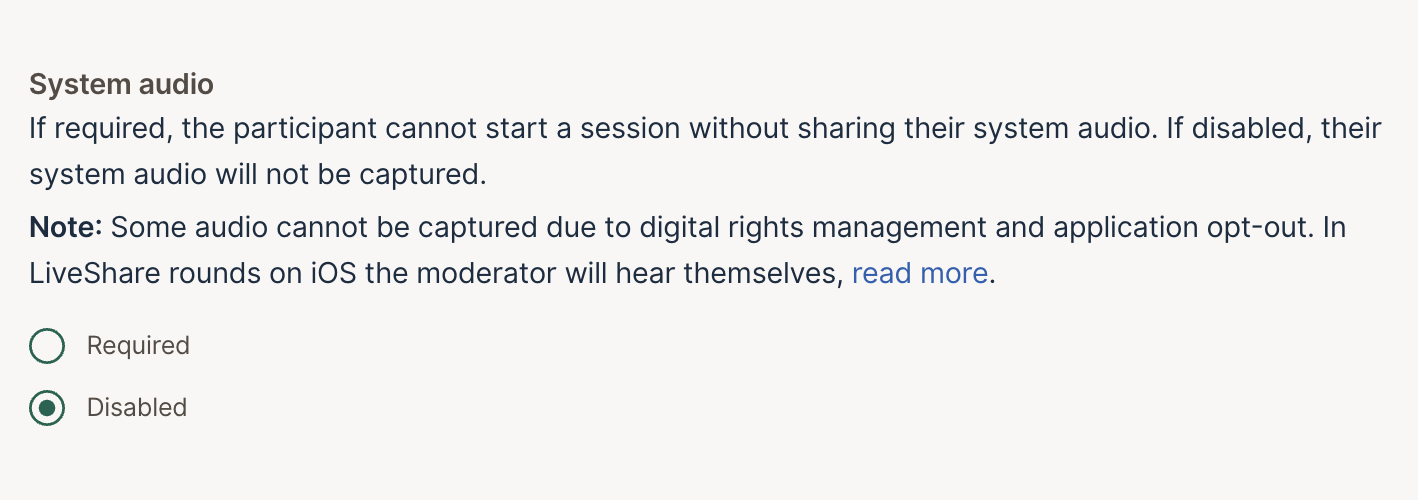
System audio is now a round setting. In a Tasks, SelfTest or LiveShare round, open Settings and set System audio to Required to record the sound from the participant’s device along with their screen, or to Disabled to leave it out. When it’s required, participants can’t start the session without sharing their system audio. Some audio can’t be captured, such as copy-protected video. In LiveShare rounds on iOS, the moderator will hear themselves.
Share this post:


