
See and revoke your MCP connections
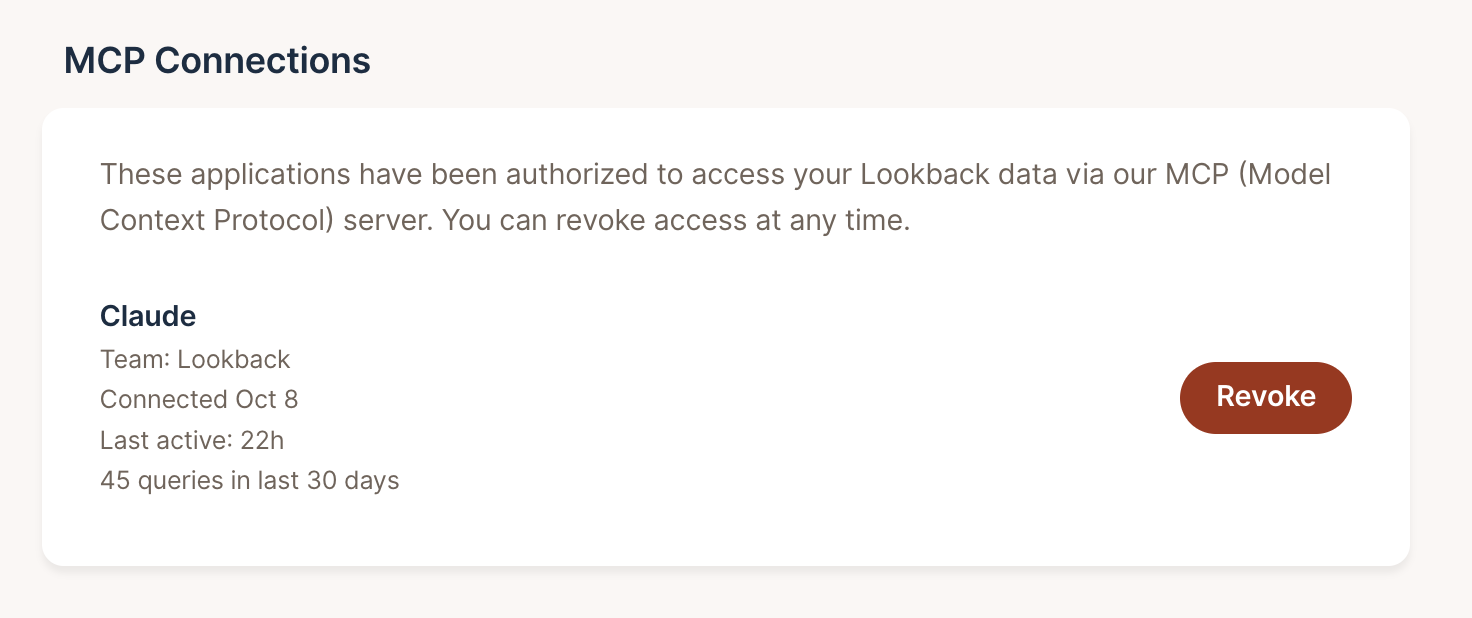
You can now see which AI tools are connected to your Lookback account, and disconnect any of them. In your user settings, MCP Connections lists every application you’ve authorized through our MCP server, such as Claude. For each one you see the team it’s connected to, when you connected it, when it was last active, and how many queries it has made in the last 30 days.
Click Revoke to disconnect an application. You can connect it again at any time.
Share this post:


