Hide browser controls on mobile
When participants test a web prototype on their phone, you can show it as a full-screen app instead of a website. The prototype then looks closer to the finished product.
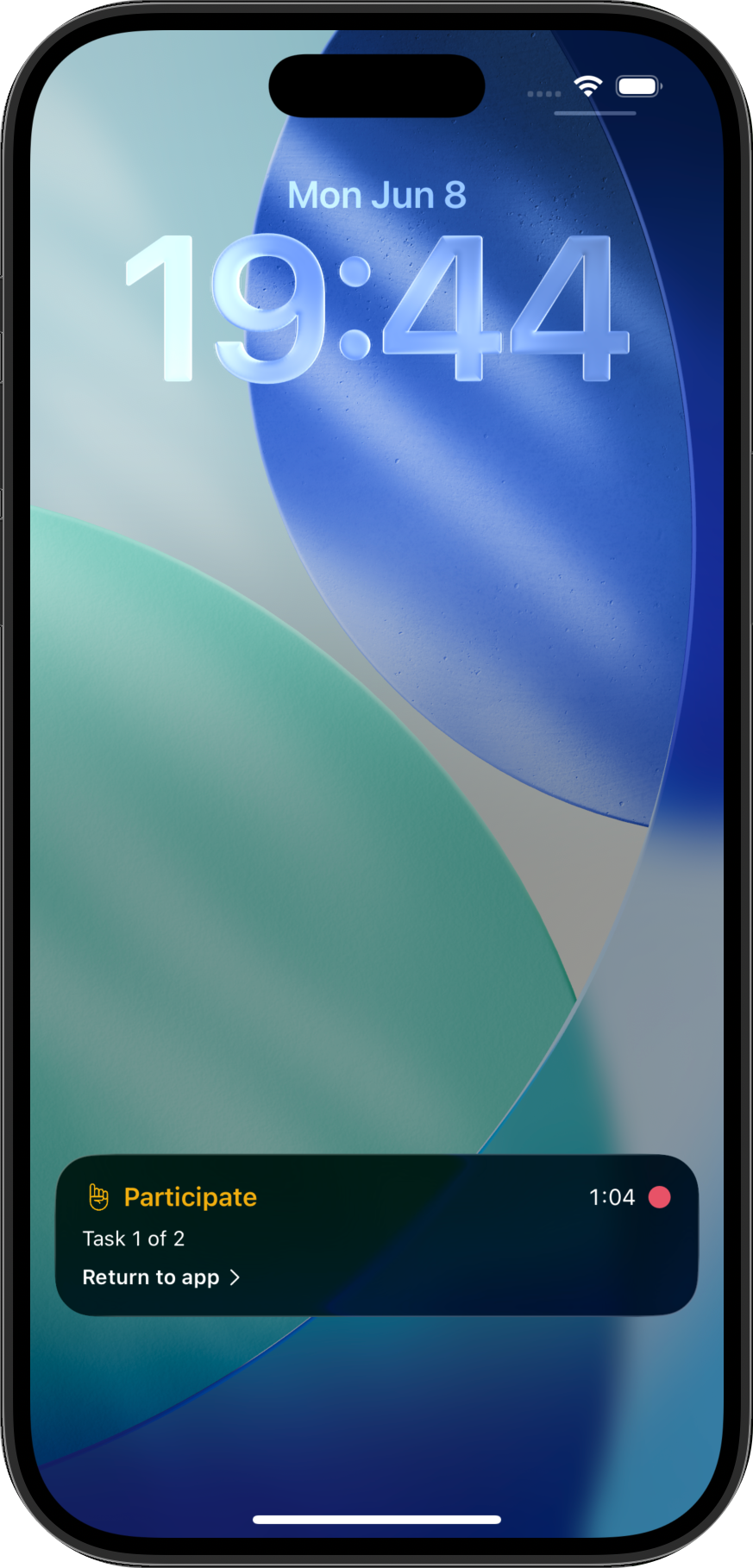
Open the round and click Edit Round. In Settings, under Mobile browsers, check Hide controls and save. The Participate app on iOS and Android then opens your prototype without the in-app browser’s address bar and controls.
Hide controls is available in LiveShare, SelfTest and Tasks rounds when iOS or Android is selected under Device requirements. It works for prototypes in unmoderated tasks and in moderated mobile sessions.
Share this post: